
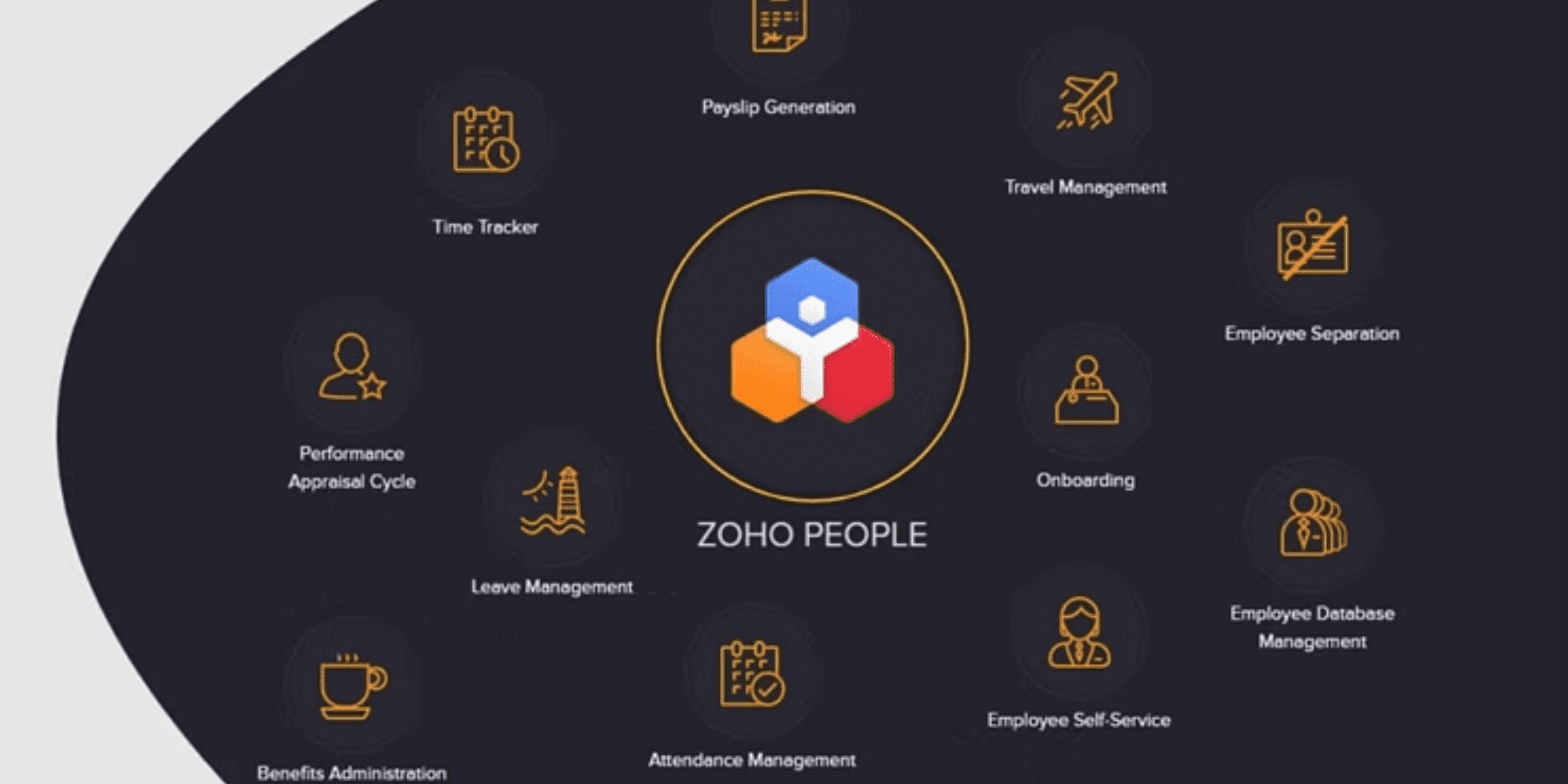
For starters you can keep track of your employees’ information, like their names, contact details, and work history. It also helps you manage their time off, so you know when they’re on vacation or sick. Zoho People can even assist with the hiring process by helping you find the right people for your company.
One super important thing about Zoho People is that it can work with other software you already use. This means it can connect and share information with the other programs that you are currently using for your business to make it even more useful.
For instance, it can talk to your email, calendar, or any other business tools. This helps you do your HR job even better because everything works together. So, Zoho People is great for HR tasks, and its ability to work with other software makes it even more powerful.
Now that we have seen what Zoho People is, let’s see the power that you get through integration.
The Power of Integration
Integrations in HR management are like magic bridges that connect different software and tools to work together smoothly.
Imagine, If your HR software could talk to your payroll system or your employee database, sharing information without you manually doing it all by yourself. It is hard right? And you have to spend more of your time just to do these things by yourself instead of using your time to work on something more advanced or important.
This is the power of integrations, and they matter because they make HR tasks easier and more accurate. And you can save a lot of time and avoid any manual mistakes, because data flows automatically between systems, like a well-orchestrated dance. So, when you hire a new employee, their info goes into all the right places without you having to type it over and over again. Integrations are like having a superpower that makes HR work simpler and error-free.
Now that you know the power let us teach you how to weild this new power that you got more effectively by explaining the top 5 integrations.